Free Online Bank Cheque Printing Tool
Print cheque online instantly on your printer online. No software installation required. Secure & Easy.
Global Cheque Printer
Required Browser
Physical Size: 203mm x 93mm
CRITICAL: Set Print Scale to "Default" or "100%"
Mac, Windows, iOS, and Android standalone apps are in active development. Take your printing offline soon!
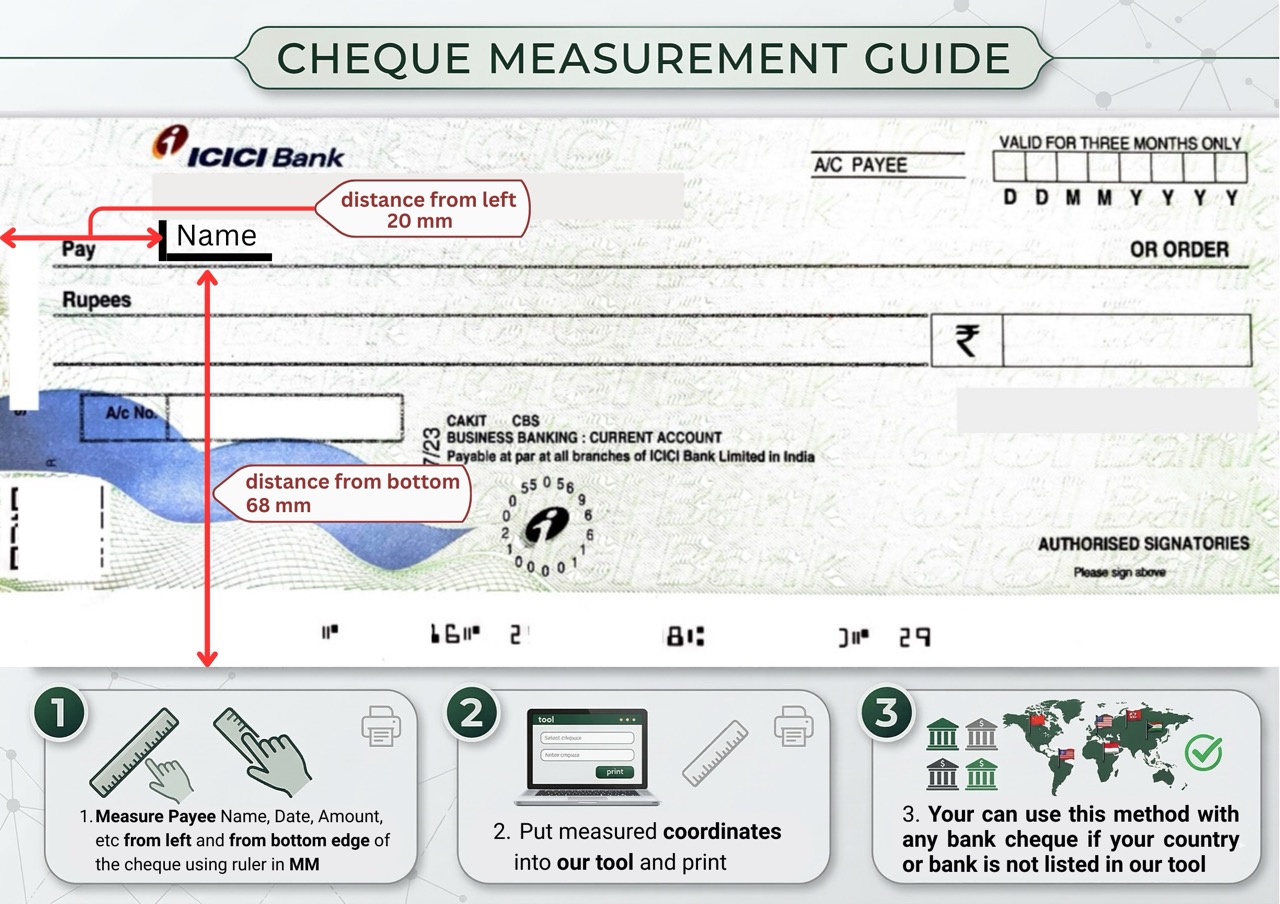
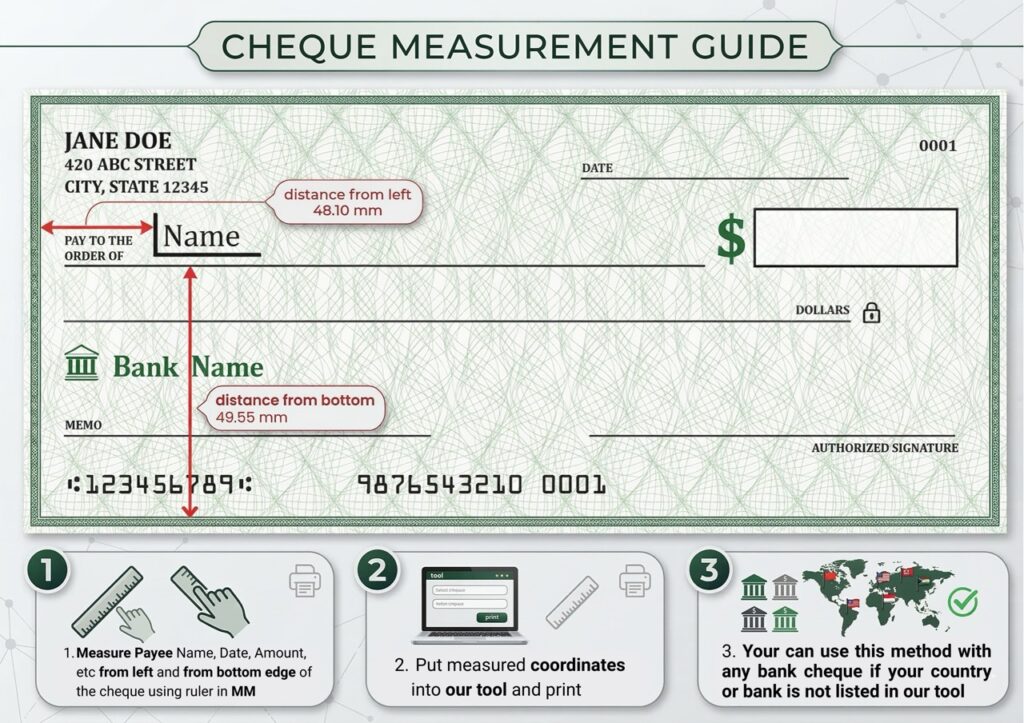
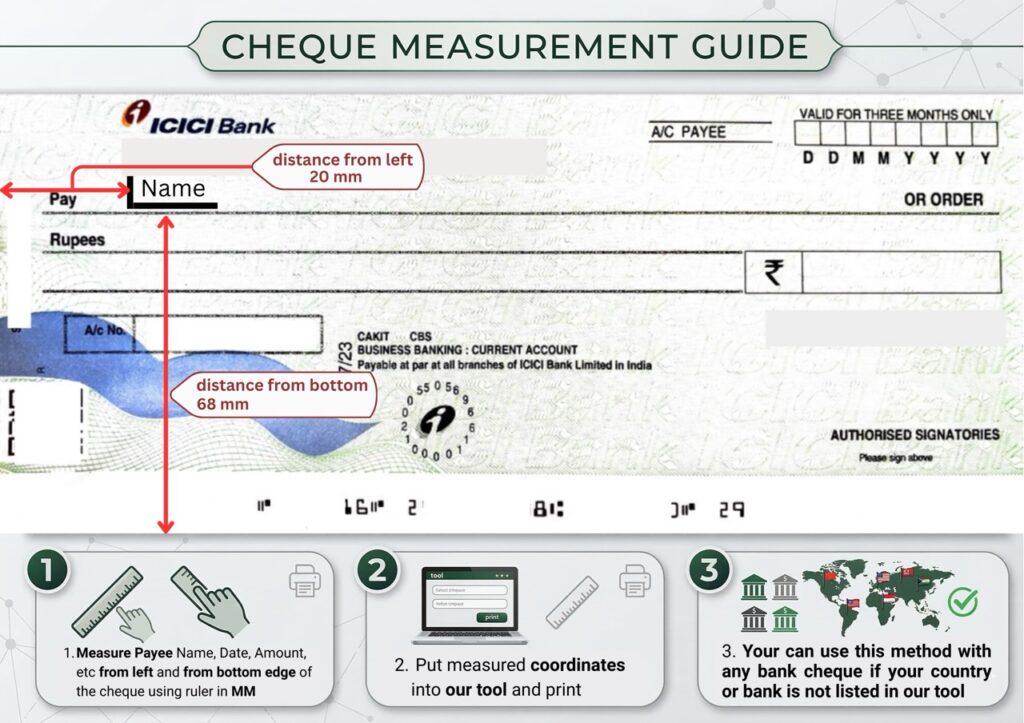
Welcome to ChequePrint.cloud, An online tool for print Bank Cheques
Welcome to ChequePrint.Cloud, the simplest way to print bank cheques directly from your browser. Our online cheque printing tool allows you to generate professional prints fo Indian Banks like SBI, HDFC, ICICI, etc and Regions bank like UK banks and USA banks in just three simple steps. Whether you are a business owner paying vendors or an individual managing finances, our tool ensures your cheques look professional and neat. Say goodbye to handwriting errors and messy cancellations.
Key Features
- 100% Free: No hidden charges or subscriptions.
- Auto Number-to-Words: Type the amount, and we automatically convert it to words (e.g., “Five Thousand Only”).
- Printer Alignment: Use our smart offset tool to adjust the text position to match your specific cheque leaf and printer.
- Secure: We do not store your data. All processing happens in your browser.
How to Print a Check Online
Follow these 4 simple steps to print perfectly aligned cheques.
1. Select Region
Choose India, USA, or UK.
New: Use “🛠️ Custom” to define your own dimensions if your bank uses a unique size.
2. Fill Details
Enter Payee, Date, & Amount.
We auto-convert numbers to words (e.g., “500” → “Five Hundred Only”).
3. Nudge Alignment
Preview looks off? Click the text and use Arrow Keys (⬆️⬇️) or the “Offset” inputs to move text exactly to the line.
4. Print Vertically
Crucial: Insert cheque Short Edge First (Vertically).
Ensure printer scale is set to 100%.
🇺🇸 US Users: Not sure if you have a Personal or Business check? See Check Sizes Guide.
Frequently Asked Questions
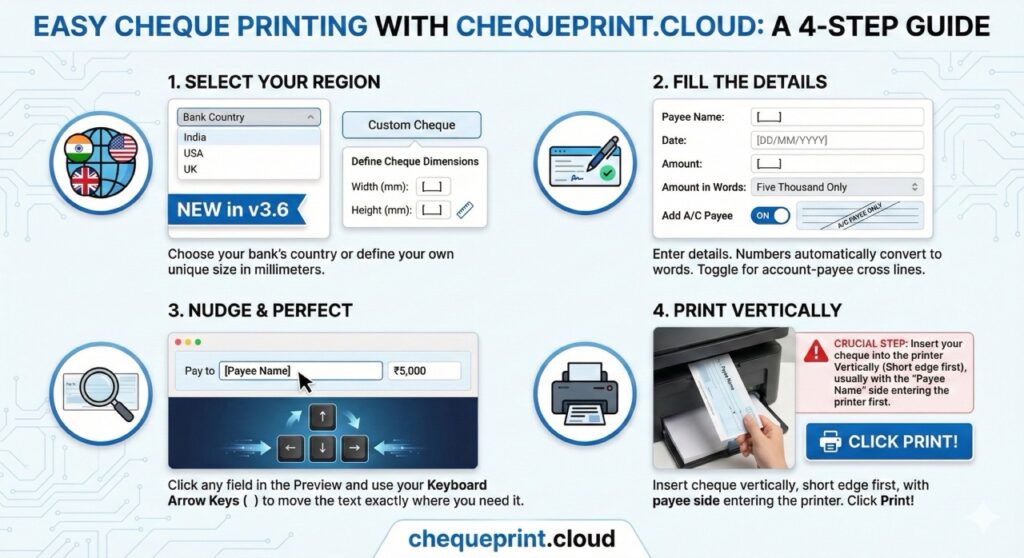
How to Print a Check Online (4 Easy Steps)
Step 1: Select Your Region
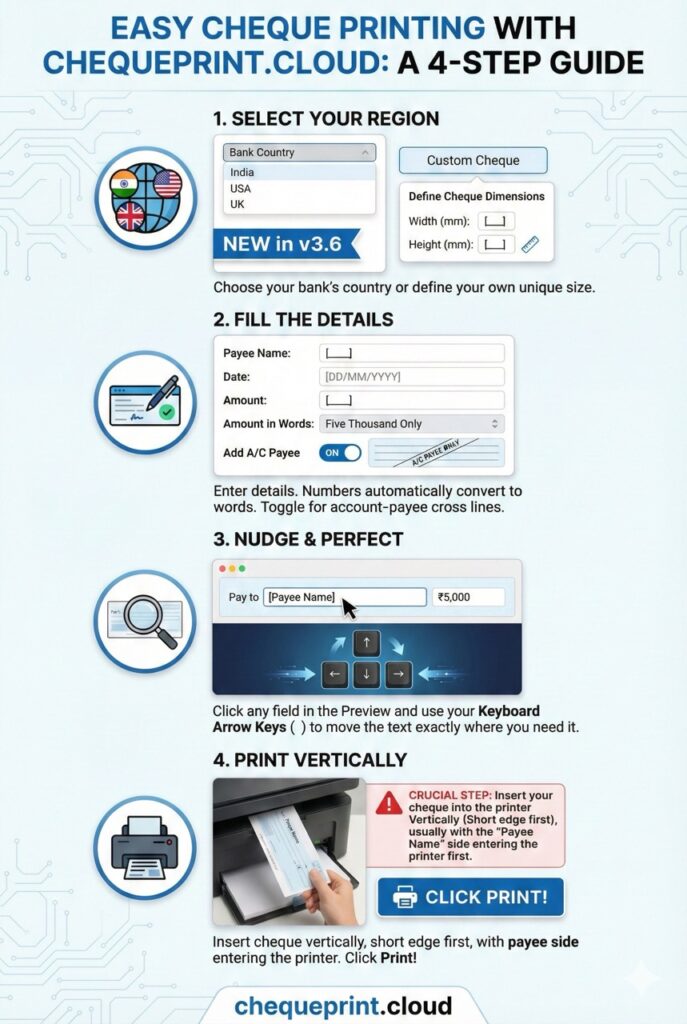
Choose your bank’s country (India, USA, UK).
New in v3.6: If your cheque size is unique, select “ Custom Cheque” to define your own width and height in millimeters.
Step 2: Fill the Details
Enter the Payee Name, Date, and Amount.
The tool automatically converts numbers to words (e.g., “Five Thousand Only”). Toggle “Add A/C Payee” if you want the account-payee cross lines.
Step 3: Nudge & Perfect
Is the alignment slightly off? Click any field in the Preview and use your Keyboard Arrow Keys () to move the text exactly where you need it.
Step 4: Print Vertically
Crucial Step: Insert your cheque into the printer Vertically, usually with the “Payee Name” side entering the printer first. Click Print!
Pro Tip: For the best accuracy, use the Google Chrome browser on a PC/Laptop and ensure your printer settings are set to “Scale: 100%” (Do not use “Fit to Page”).